
Stocks & investing
Best Stock Market Simulators (2026): 10 Compared
Ten stock market simulators compared on starting money, live or delayed prices, lessons, feedback, broker tickets and class tools, with the best fit for each.
HowTheMarketWorks organises a class. Trading Game replaces one. Which you need depends on whether there is a teacher in the room.
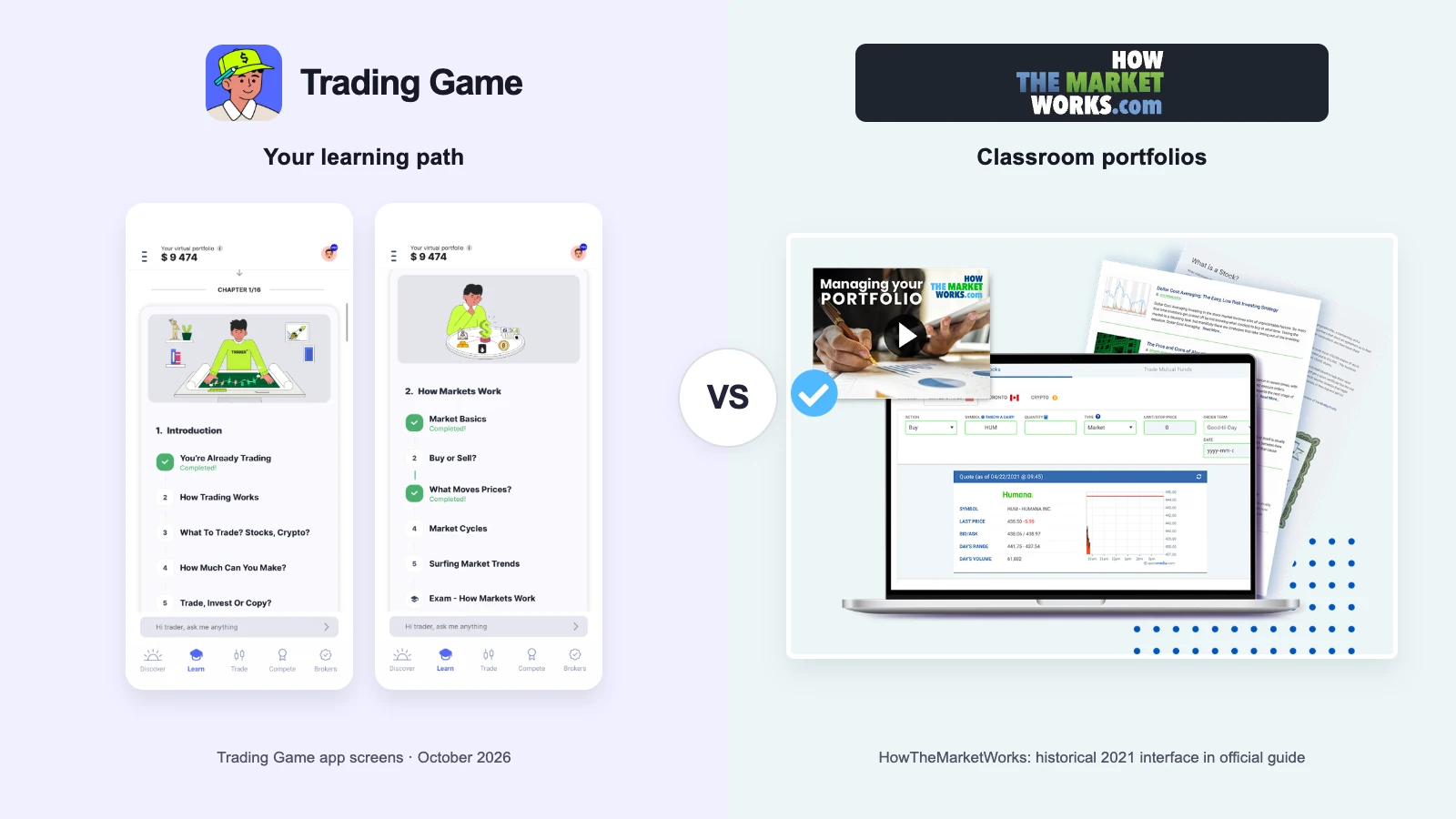
HowTheMarketWorks fits a teacher: free private contests, your own rules, assignments, certificates, a fuller order ticket.
HowTheMarketWorks is a classroom tool, and a good one. A teacher sets the cash, the commissions, the position limits and the deadlines; thirty students trade under the same rules; the leaderboard, the assignments and the certificates do the rest. It is free, it is built for minors, and it has a fuller order ticket than Trading Game. If you are a teacher, stop reading and go and set up a contest.
If you are learning on your own, you have no teacher, and HTMW does not supply one. Trading Game does: it puts the lessons in order, posts two analyst setups a day on the chart, reads the chart with you, and reviews each trade after you close it. Live prices on the screen, too, where HTMW shows you prices fifteen minutes old.
The two are not really competing. One organises a class; the other replaces one.
HowTheMarketWorks. You register on the website with a username, a birth year and a country; HTMW asks you to keep your real name out of it. There is no app. You get $100,000 unless you picked another figure or a teacher did. The ticket is a proper one: market, limit, stop and , short selling, and margin if the contest allows it, labelled "Not Recommended For Beginners" by HTMW itself. Orders fill at live prices during US market hours, but the quote you see is fifteen minutes old; the teacher's guide says so. Your portfolio graph sits against the S&P 500. Fifty lessons and some tutorial videos are there if you go looking. In a class, the teacher tells you which one to read. Alone, nobody does.
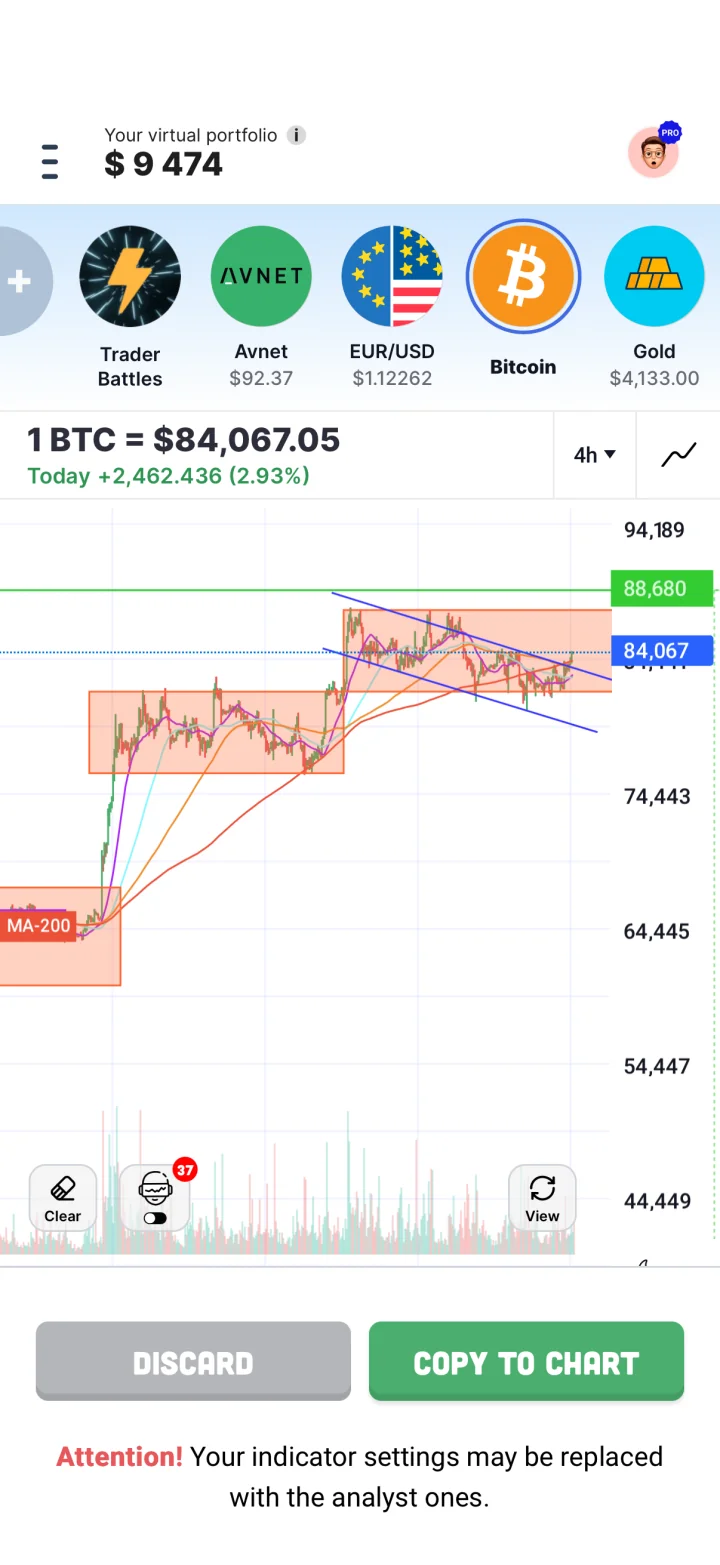
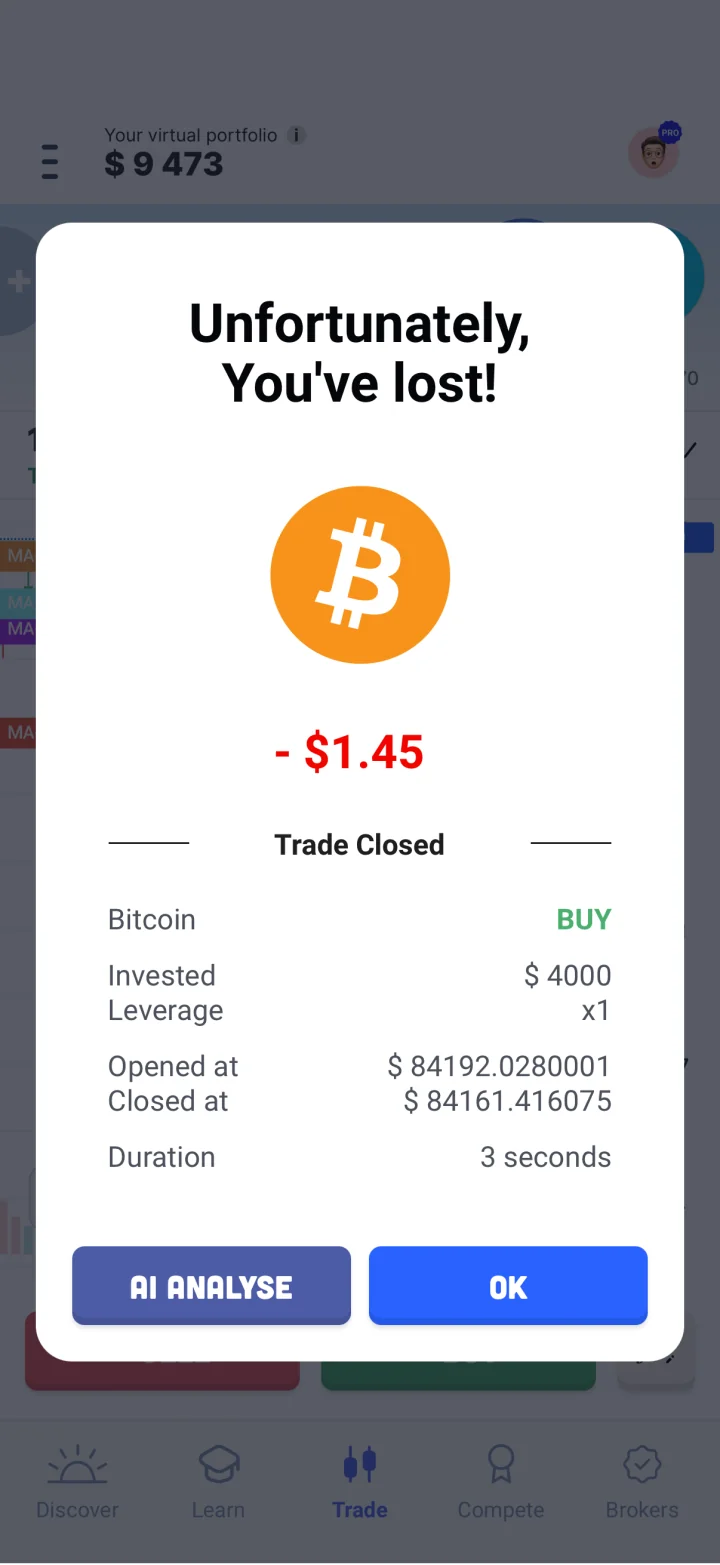
Trading Game. The first choice is the balance: $500 to $10,000 on the site, or $200 if you want it tight. Start with chapter one, a chart question, and then your first practice trade: live price, stop and target set before you tap. The next lesson is always in view. Daily Insights carries the morning's two analyst setups; one tap copies either onto your chart. Close a trade and tap AI Analyse: the coach tells you whether it was a decision or a guess.
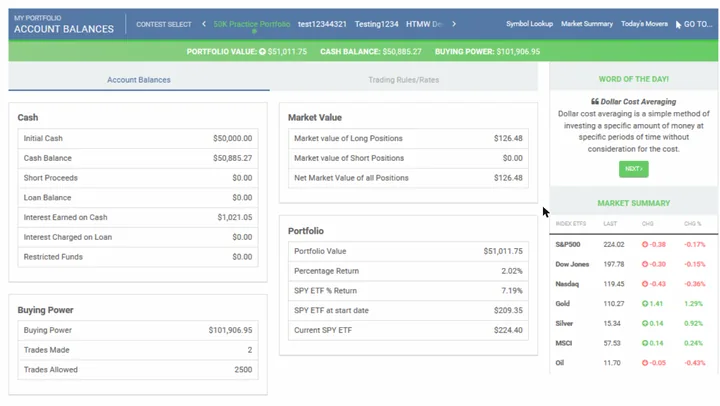
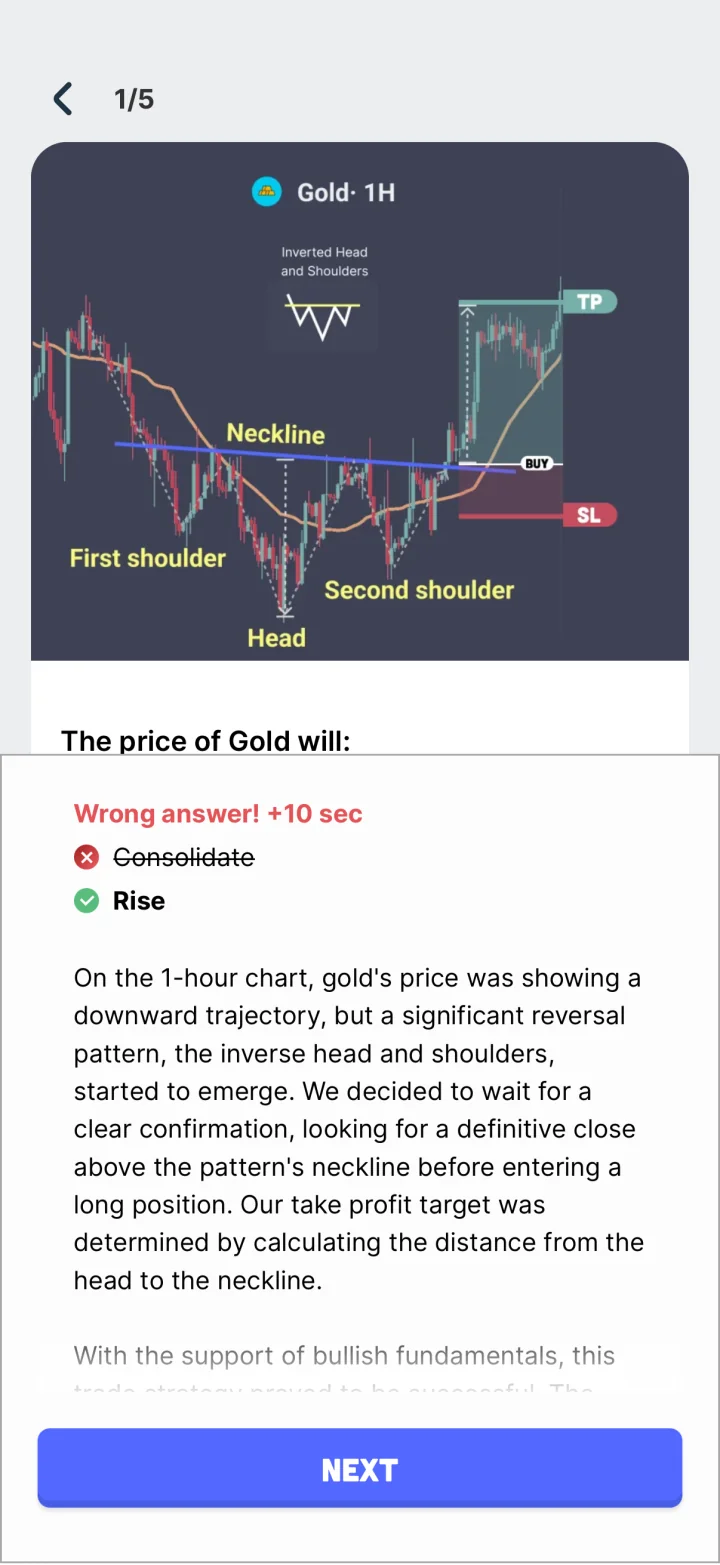
Strip a classroom simulator of the classroom and what is left is a brokerage ticket and a leaderboard. Trading Game is built for the person with no class to join, and most of what it adds is the job a teacher would do.
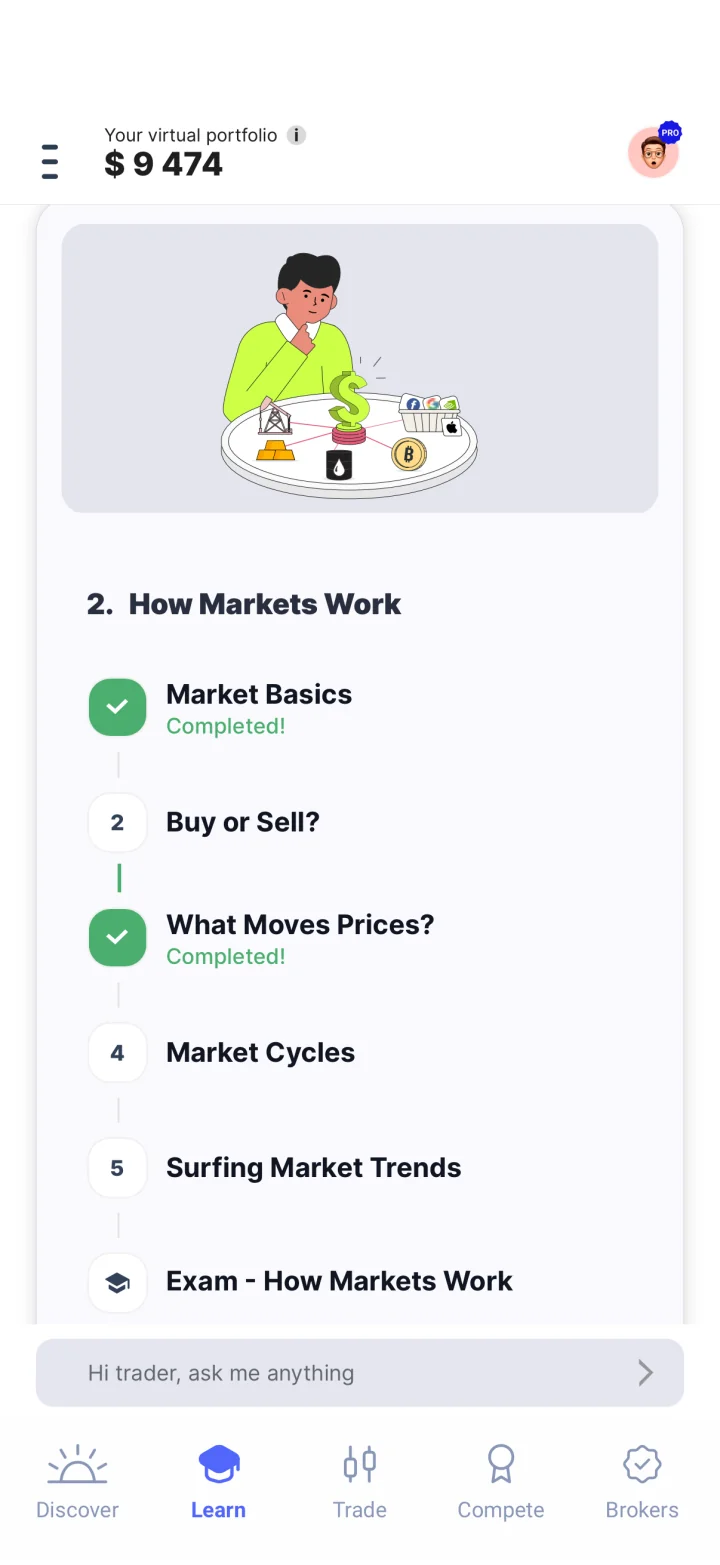
It sets the homework. The Academy is 150-plus illustrated lessons in sixteen chapters, across trading, investing and personal finance. The fundamentals cost nothing, and neither does the 28-day learning plan. Each lesson ends with a quiz; the chapter view keeps the next lesson in sight. HTMW's fifty lessons are fine, but they wait for someone to assign them.
It demonstrates on the board. Every trading day, Trading Game's analysts publish a setup at the European open and another at the US open, levels drawn, reasoning written for a beginner. Copy to Chart puts the drawing on your chart with one tap, levels and all, and you take it from there with virtual money. Two copies are free; Pro is unlimited. Users vote on which markets get covered.
It looks over your shoulder. Chart Intelligence reads the open chart, marks the levels and gives a verdict with a confidence figure. Draw your own trendlines first and it grades them, then points you to the lesson that covers the pattern. In beta; its own help page says it can be wrong. A second opinion, not an instruction.
It marks the work. Close a trade, tap AI Analyse, and Max, the coach, goes through it with you: the entry, the exit, and what you were thinking in between. We refined that process over years of watching beginners make the same mistakes. Free users get a weekly message allowance; Pro is unlimited.
It explains the small balance. Most simulators, HTMW among them, hand out six figures; for a class with a teacher setting limits that is fine. I have a view on the default in general: with that much pretend money a loss is buried under the next win, a reset costs nothing, and you learn very little. Trading Game's balances run from $500, and there is no undo button on an open trade. The stated aim is to let you find out what trading asks of you before real money is involved, and to make that fun, challenging and possible.
It runs the class contest for you. Ten-minute Trading Battles, one on one, against a friend, the bot or a stranger; the friend version comes with sabotage. A weekly leaderboard with the top three shown all week. Pattern Hunter, the daily drill: name the pattern before the clock runs out, no hints. A market clock shows which markets are open where you live and when the busy hours come. One Quick Reads book summary a month is free, with about 28 illustrations per chapter by my count.
What you will not find in Trading Game: limit or trailing-stop orders, mutual funds, Toronto stocks, a web version (listed as coming soon), or any way to run a contest for a class. It is a classroom with one desk.
You teach. Unlimited private contests, your own cash and rules, assignments with due dates, certificates, and privacy handling for minors. Free. HTMW exists for this and nothing else on this page does it.
You want the fuller ticket for free. Limit, stop and trailing stop, short selling, margin. Trading Game's ticket is market entry with a stop and a target, on purpose.
You want mutual funds or Toronto stocks. HTMW has them; Trading Game does not.
You want a prize. The top five in a public contest get a $100 Amazon gift card. Trading Game pays in a leaderboard place.
Read the contest rules before the first order. Starting cash, commissions, a 25% position cap, 2,500 trades, 3% simulated interest on cash: all of these are settings, and a good teacher makes them part of the lesson.
Twelve things a beginner meets in the first week, and which fits each better. No totals; a teacher and a solo learner should not weigh these rows the same.
| What you need | Trading Game | HowTheMarketWorks | Better fit |
|---|---|---|---|
| Starting money | $500 to $10,000 on the first screen, and a $200 option | $100,000 by default; $10,000 to $1,000,000 at sign-up; the teacher's guide suggests $1,000 to $20,000 for a class | Trading Game. HTMW gives the teacher the dial, which is right for a class. For one person, $500 is the better teacher. |
| Prices | Live, several updates a second, on screen | Orders fill at live prices, but the prices you see are 15 minutes old | Trading Game. The teacher's guide says so itself. Fine for a term portfolio; useless for reacting to a chart. |
| Markets | 220+ assets: stocks from four exchanges, ETFs, indices, forex, commodities, crypto | US stocks and ETFs, US mutual funds, penny stocks, Toronto stocks, crypto where a contest allows; no options, futures or forex | Either. HTMW for a mutual fund or a Toronto share. Trading Game for gold, a currency pair and a US stock on the same screen. |
| The order ticket | Preset size, leverage 1x to 50x, stop and target; no limit orders | Market, limit, stop, trailing stop; short selling; optional margin at 8% simulated interest | HowTheMarketWorks. HTMW has the order that waits for your price and the stop that follows it up. Trading Game does not. |
| Learning what to do | 150+ lessons in a 16-chapter path, a free 28-day plan, Pattern Trainer, book summaries | 50 built-in lessons, tutorial videos, and assignments a teacher sets | Either. For a class, HTMW's lessons work because a teacher sets the pace. Alone, Trading Game's path sets it for you. |
| Feedback on a trade | AI reads the chart before, the coach reviews the trade after | Contest standings and a portfolio graph against the S&P 500 | Trading Game. HTMW tells you how the account did. Trading Game tells you why the trade did. |
| Charts | Drawing tools, volume, RSI, VWAP, Bollinger, SuperTrend, Volume Profile, four MAs; 10 timeframes | A price chart on the quote page and a portfolio graph | Trading Game. HTMW's graph answers "did I beat the market?" Trading Game's chart answers "what am I looking at?" |
| Phone | iPhone, iPad and Android apps | A mobile-friendly website since 2015; no app | Trading Game. HTMW works in a phone browser. Trading Game was built for the phone. |
| Price | Free with ads; Pro $19.99 a month or $54 a year on the current offer | Free with ads; the ad-free school version, PersonalFinanceLab, is $10 per student | HowTheMarketWorks. Everything HTMW lists is free. Trading Game keeps the deep courses and the full coach for Pro. |
| Playing against people | 10-minute 1v1 battles with sabotage, weekly leaderboard, daily Pattern Hunter | Public contests with $100 gift cards for the top five, national contests each term, unlimited private class contests | HowTheMarketWorks. For a class, HTMW's private contests with rules, assignments and certificates are the whole point. For a Tuesday night, a ten-minute battle. |
| Sign-up and privacy | Download and start | Username with no personal details, year of birth and country; built for children's privacy law | Either. HTMW tells students to keep their names out of usernames. That is the right instinct for a classroom tool. |
| When you can trade | Each market's own hours; forex most of the week, crypto all weekend; a market-hours screen shows what is open | US stock orders 9:30 to 16:00 Eastern; outside that they queue for the open | Trading Game. If homework happens in the evening, HTMW's market is shut. Trading Game has something open. |
HTMW cells come from its site, FAQ, teacher's guide and contest form, read on 23 October 2026; some of its help pages date from 2015 and 2016 and we say so where it matters. Trading Game is ours, so its cells come from the app itself, its Pro page and its help centre.
| Trading Game | HowTheMarketWorks | |
|---|---|---|
| Starting money | You choose: $500 to $10,000 on the site; $200 is offered as well (default $10,000). Reset in Settings to start over | $100,000 default; at registration pick 10,000 / 50,000 / 100,000 / 500,000 / 1,000,000. Contest creators set $10,000-$500,000; teacher's guide suggests $1,000-$20,000 for classes |
| What it costs | Free with ads. Pro $19.99 billed monthly, or $89 a year shown at $54 on the current offer: full AI coach, advanced courses, the full book library, unlimited Copy to Chart, no ads | Completely free, ad-supported (ad-free sibling PersonalFinanceLab is $10 per student) |
| Sign-up | Download and start; a free account saves progress | Username (no personal info), password, cash choice, year of birth, country; no email field on the form |
| Where it runs | iPhone and iPad (iOS 15+), Android. Web version listed as coming soon | Web; mobile-optimised site since Dec 2015; no native app |
| What you can trade | 220+ assets: stocks from NYSE, LSE, NSE and Tokyo, 15 ETFs, indices, commodities, forex pairs and crypto | US stocks and ETFs, US mutual funds (cannot be shorted), OTC penny stocks, Toronto stocks; each enabled per contest. No options, bonds, futures or forex; crypto appears in the getting-started example contests as an allowed security |
| Price data | Real time; prices update several times a second | Fills use real-time bid/ask in the back end; the teacher's guide says the site can only display prices with a 15-minute delay (Xignite, QuoteMedia); the FAQ says some quotes are delayed 15-20 minutes |
| Order types | Market entry with preset trade sizes and leverage from 1x to 50x; take profit and stop loss set on the ticket | Market, limit, stop, trailing stop; short selling; optional margin at 8% loan interest, which the contest creator can enable or disable, labelled 'Not Recommended For Beginners'; day trading only if the contest allows |
| Simulated fees | None; buy and sell prices differ like real markets | Fixed dollar commission per trade set by the contest creator; practice-portfolio default not published |
| Lessons | 150+ illustrated Academy lessons with quizzes in a 16-chapter path (fundamental courses free, advanced in Pro); a 28-day plan; Pattern Trainer and a timed daily pattern game; Quick Reads book summaries (one free a month) | 50 built-in investing and personal-finance lessons, tutorial videos, teacher lesson plans, assignments with due dates, link to Investing 101 course; no student quizzes mentioned |
| AI and feedback | Chart Intelligence reads the open chart, draws the levels, gives a buy, sell or wait scenario with a confidence level and checks your own drawings (beta; its help page says it can be wrong). Max, the AI coach, reviews a closed trade and answers questions (limited free, full in Pro). Daily analyst setups at the EU and US open; Copy to Chart puts them on your chart (2 free, unlimited in Pro) | None found |
| Charts | Candlestick and line charts, 5 drawing tools, indicators including volume, RSI, Bollinger Bands, VWAP, SuperTrend, Volume Profile and four moving averages, 10 timeframes from 15 seconds to 1 month | Basic: intraday chart on quote pages; 1-day/30-day/1-year minis; 'Graph My Portfolio' vs S&P 500 or gold; no technical charting |
| Games and contests | 10-minute 1v1 Trading Battles against a friend, the AI or anyone; weekly, battles and friends leaderboards (no prizes); daily timed pattern game | Free public contests (top 5 win a $100 Amazon gift card; US equities and ETFs only; 25% position limit; 2,500-trade cap); national contests each semester; unlimited teacher contests with certificates |
| Who can use it | Worldwide; the site says 100+ countries, including the US, Canada, UK and Australia. App Store age rating 4+ | Built for K-12 classrooms; individuals are pointed to Wall Street Survivor; worldwide country list; COPPA/FERPA-compliant |
| Languages | Six in the app (the App Store listing shows English) | English only |
| Trading hours | Follows each market; forex generally 24/5 and crypto 24/7; a market-hours screen shows what is open in your time zone | US hours 9:30 to 16:00 ET Mon-Fri; after-close orders queue to next open; mutual funds fill after close |
| Starting over | Pick a new balance when you start over (statistics and history are deleted) | One portfolio per contest, unlimited contests; reset link on practice portfolio; cash earns 3% interest (adjustable); inactive accounts deleted after 6 months |
Try it yourself
Sort each goal to the tool that fits it better, by the facts above.
Trading Game for live prices, lessons, feedback and mobile. HowTheMarketWorks for classes, fuller orders and contest prizes.
What would you expect?
What this shows: HTMW organises a class. Trading Game stands in for the teacher. Pick by whether you have one.
HowTheMarketWorks gives a teacher the controls and students a fuller stock ticket on a delayed screen. Trading Game gives a solo learner live charts, lessons in order, analyst setups and a coach on a phone.
Pick HowTheMarketWorks if you are a teacher, you are in a class that uses it, or you want trailing stops, mutual funds and a free ticket in a browser.
Pick Trading Game if you are learning alone, you learn on a phone, you want live prices on the screen, and you want a demonstration before the trade and a review after it.
If your class already uses HTMW, keep the assigned portfolio there and add Trading Game for the parts a class contest cannot teach: reading a live chart, drawing a level, hearing why a trade lost. You do not need a second pretend fortune to understand the first one.
Yes. HTMW says the site is completely free and supported by advertising. Its ad-free sibling for schools, PersonalFinanceLab, costs $10 per student. Trading Game is free with ads; Pro includes the deeper courses and full AI coach.
Half yes. Its teacher's guide says orders fill at real-time prices in the back end, but the site can only display prices with a 15-minute delay. Trading Game shows real-time prices on screen.
Yes, anyone can register and get a $100,000 practice portfolio, and public contests are open. HTMW itself points individuals and clubs to its sister site Wall Street Survivor.
No. It has had a mobile-friendly website since December 2015. Trading Game is an iPhone, iPad and Android app.
Ten stock market simulators compared on starting money, live or delayed prices, lessons, feedback, broker tickets and class tools, with the best fit for each.
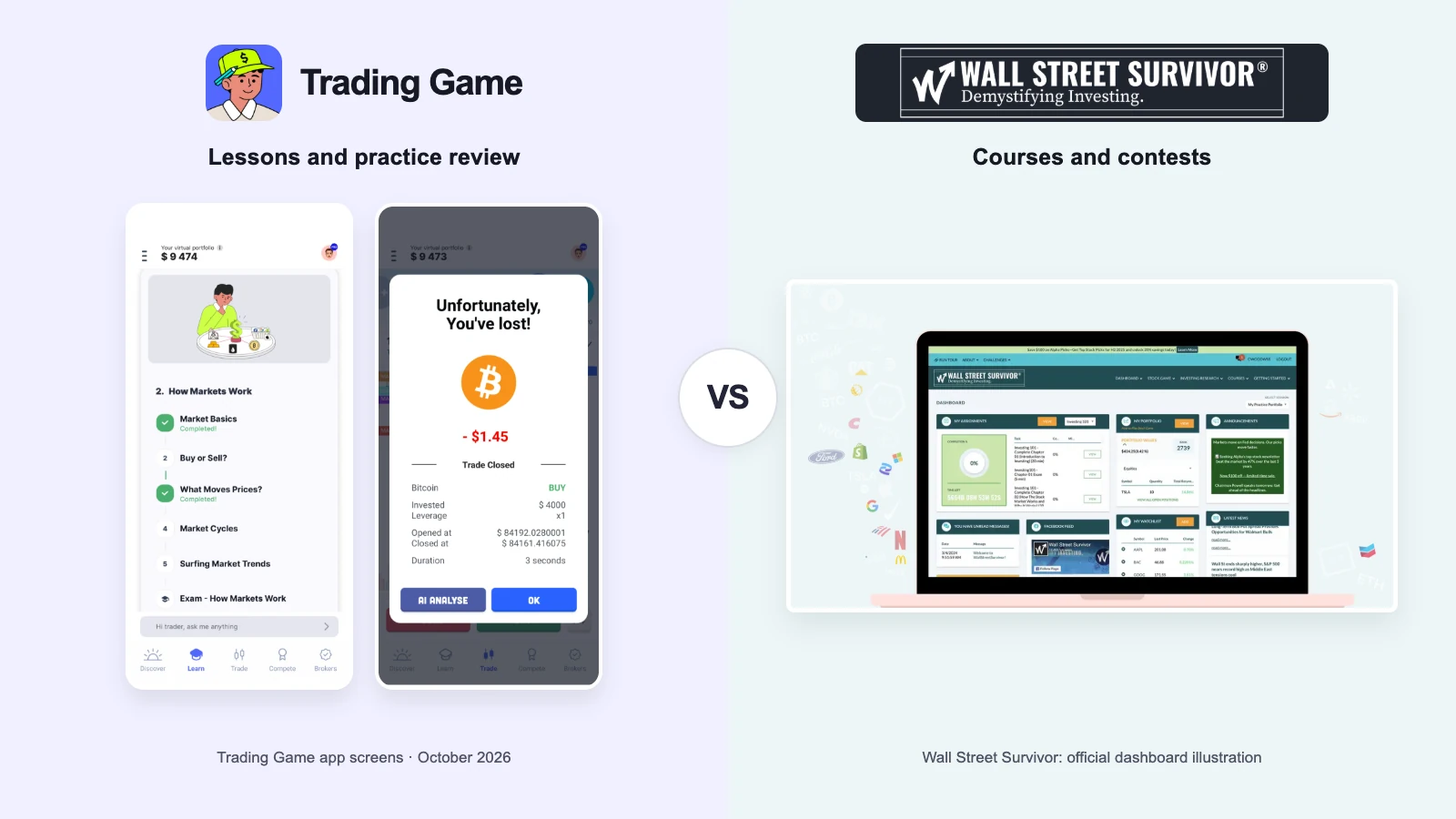
Wall Street Survivor vs Trading Game, stock market simulators compared: free courses, order types, delayed quotes, live charts, AI feedback and prizes.